




What is an Electronic Weighing Balance and How Does It Work
 Jun 01, 2026|
 View:382
An electronic weighing balance is a tool that helps you measure how heavy things are. It can measure with great accuracy. People use this balance in labs, factories, and shops. The worldwide market for electronic weighing balances might reach 4.49 billion dollars in 2024. This shows how important they are today. You can count on these balances to give correct weights fast. They work the same way every time. You can notice even small changes in weight. This makes weighing easy and quick.
Key Takeaways
An electronic weighing balance gives fast and correct weight readings. This makes it very useful in labs, factories, and stores.
Important parts like load cells and digital displays help give exact results. This lets people trust the numbers for many uses.
The tare function lets you find just the item’s weight. It removes the container’s weight, so weighing is easier.
You need to check and care for the balance often. This keeps the measurements right and the balance working well.
Electronic balances have smart features like changing units and saving data. These features make them helpful for many jobs.
What is an Electronic Weighing Balance
Definition and Core Concept
An electronic weighing balance helps you find out how much something weighs. It gives you very exact numbers fast. The balance changes the force from the object into a digital number. This tool is great for jobs that need careful weighing, like in labs or stores. Old balances use springs or levers, but the electronic weighing balance uses special sensors. These sensors can notice even tiny weight changes. You see the weight on a screen, so it is simple to read.
Tip: If you need to weigh small things or want very exact numbers, an electronic weighing balance is the best choice.
Key Components of a Weighing Balance
There are many important parts inside an electronic weighing balance. Each part helps the balance work right:
Weighing Pan: This is the flat part where you put the thing you want to weigh.
Load Cell: This sensor feels the force from the item. Most balances use strain gauge load cells. When you put something on the pan, the load cell bends a little. This bending changes the way electricity moves inside the sensor.
Amplifier and Processor: The signal from the load cell is very small. The amplifier makes it bigger. The processor turns this signal into a digital number.
Display Screen: You look here to see the weight. Most electronic weighing balances use LCD or LED screens so you can see the numbers clearly.
Tare Function: You can set the balance back to zero. This helps you take away the weight of a container and only measure what you want.
Housing: The balance has a strong case. It keeps all the parts safe and holds up the pan.
Here is a table that shows how electronic weighing balances and old balances are different:
Feature | Electronic Balances | Traditional Balances |
|---|---|---|
Operational Mechanism | Uses digital load cells for precision | Relies on springs and levers for measurement |
Accuracy | High precision, suitable for minuscule weights | Generally less precise, suitable for larger weights |
Applications | Ideal for laboratories and precise measurements | Common in grocery stores and fitness centers |
Cost | Generally more expensive due to technology | More affordable due to simpler construction |
You use an electronic weighing balance when you want results you can trust. The scale inside uses technology to give you the right number. You see the weight on the screen. You can also change the units to grams or ounces. This makes the balance good for many different jobs.
How Electronic Balances Work
Operating Principle
You use an electronic balance to measure weight very accurately. The balance uses advanced technology to do this. When you put something on the weighing pan, the balance feels the force. This force comes from the object's weight. The balance has special parts called load cells and strain gauges. These parts turn the force into an electrical signal. The balance changes this signal into the exact weight. This way, weighing is fast and dependable. You can trust the balance for all your weighing needs.
Electronic weighing balances use strain gauges and load cells.
These parts turn the force from the object into an electrical signal.
This process gives you correct results for weighing tasks.
Sensors and Load Cells
Sensors are very important in every electronic balance. The most common sensor is the strain gauge load cell. When you put weight on the scale, the metal inside the load cell bends a little. This bending changes the resistance in the strain gauges. The balance notices this change and turns it into a signal that matches the weight of your item.
Some digital scales use other types of sensors:
Strain gauge load cells: These sensors bend when you add weight. The change in resistance helps the balance measure the weight.
Piezoelectric sensors: These sensors make an electric charge when you press them. They are good for quick and moving weighing.
Hydraulic sensors: These sensors use fluid pressure. You see them where safety matters a lot.
The balance uses these sensors to make sure you get the right weight every time. You can use the balance for many weighing jobs, like in science labs or kitchens.
You put an item on the weighing pan.
The load cell bends a little under the weight.
The strain gauge changes its resistance.
The balance turns this change into an electrical signal.
The balance processes the signal and shows the weight.
Digital Display and Processing
After the balance senses the weight, it needs to show you the result. The digital display makes this easy. You can see the numbers clearly, even in different lighting. Most electronic balances use LCD or LED displays. Some advanced models use OLED screens.
Here is a table that compares common digital display types:
Display Type | Advantages | Disadvantages |
|---|---|---|
Liquid Crystal Display (LCD) | Low cost, low power, easy to customize | Limited temperature range, fragile |
Light Emitting Diode (LED) | Bright, small sizes available | Narrow viewing angle, color variation |
Organic LEDs (OLED) | Wider viewing angle, faster response | Higher power consumption, limited lifespan |
The balance uses a processor to handle the signal from the sensors. The processor does the weight calculations and sends the result to the digital display. You see the weight in units like grams or ounces. Some balances let you switch between units. This makes the balance good for many weighing jobs.
Tip: Always check the digital display before you take your item off. This helps you avoid mistakes in your weighing results.
You can count on an electronic weighing balance for quick, clear, and correct weighing. The sensors, processor, and digital display work together to give you the best results every time.
Precision and Features of Electronic Weighing Balances
Accuracy and Readability
When you use a weighing balance, you want to trust the numbers. Electronic weighing balances are very precise and accurate. They can measure very small amounts. This is important for science labs and factories. Some balances, like analytical balances, can notice changes as tiny as 0.01g. The WANT WT-K LCD&LED 0.01g Electronic Balance can show changes as small as 0.01g. You can see even tiny weight changes on this balance. This high sensitivity helps you get the right measurement every time.
Digital scales show results fast and clearly. The WANT WT-K model has both LCD and LED screens. You can read the weight in any kind of light. Accurate measurements are important in chemistry, biology, and checking quality. If you need very exact numbers, pick a balance with strong accuracy and sensitivity.
Advanced Functions and Units
Modern weighing balances do more than just show weight. They have extra features to help you work better. The WANT WT-K balance lets you change between grams, kilograms, and ounces. You can use the tare function to take away the weight of a container. This means you only measure what you want. Some balances can count items or save data for later.
Here is a table with some advanced features you might find:
Feature | Description |
|---|---|
Digital Displays | LCD & LED screens for clear readings in different units |
Tare Function | Lets you zero out the weight of containers |
Unit Conversion | Switch between grams, kilograms, ounces, and more |
Data Recording | Save measurements for future use or connect to other devices |
These features help you get the right measurement and make weighing faster and easier.
Comparison with Traditional Weighing Balances
You might wonder how electronic weighing balances are different from old ones. Traditional balances use springs or compare masses. They are not as precise or fast. Analytical balances and precision balances give you more accurate numbers. Digital balances show results quickly and are simple to use.
The WANT WT-K LCD&LED 0.01g Electronic Balance is special. It has high precision, a strong iron case, and quick results. You can pick from different sizes, like 500g or 1200g. This balance also has important safety and quality certificates like ISO, CE, and RoHS.
Tip: If you need a balance you can trust for science, work, or school, choose a digital weighing balance with high sensitivity and extra features.
Applications of Electronic Weighing Balances
Laboratory and Scientific Use
Almost every science lab has a weighing balance. These balances help you get the right measurements for experiments. You use them for things like checking density or doing chemical tests. Analytical balances and precision balances give very exact results. They help scientists get correct data. Many lab balances have screens and can save your results. You can weigh small samples or chemicals with them. Lab balances help you follow lab rules. The WANT WT-K model is good for labs because it is fast and dependable.
Lab balances measure tiny samples.
Analytical balances show very exact weights.
Lab balances help with research work.
You use them for density and chemical tests.
Digital features make lab work simple.
Lab balances keep your data safe.
Lab balances are used for quality checks.
You can trust lab balances for each test.
Analytical and precision balances are important in labs.
Lab balances help you get the right weight.
Industrial and Commercial Applications
Many industries use weighing balances. Factories need them to make sure products are made right. Jewelry stores use balances to weigh gold and gems. This helps set the price. Stores use balances to weigh things they sell. The WANT WT-K balance is strong and works in many places. You can use it to count parts or check packages. Analytical and precision balances help with quality checks. Lab balances are also used in food, chemical, and metal work.
Jewelry weighing needs to be very exact.
Factories use balances to check quality.
Stores use balances for fair prices.
Analytical balances help check product quality.
Everyday and Retail Use
You use balances at home and in stores. In the kitchen, you use a balance to measure flour or sugar. People who care about fitness use balances to check their weight and food. Grocery stores use balances to weigh fruits and veggies. Shipping places use balances to find out how much packages weigh. Jewelry stores use balances to check the value of gold and silver. The WANT WT-K model is easy to use at school, home, or shops and gives correct results.
Cooking needs the right measurements.
Fitness uses balances for body weight.
Grocery shopping uses balances for fair prices.
Shipping uses balances for postage.
Jewelry stores use balances for value checks.
Note: The WANT WT-K electronic balance is useful in labs, schools, factories, and shops. You always get results you can trust in any place.
Using an Electronic Weighing Balance
Step-by-Step Operation
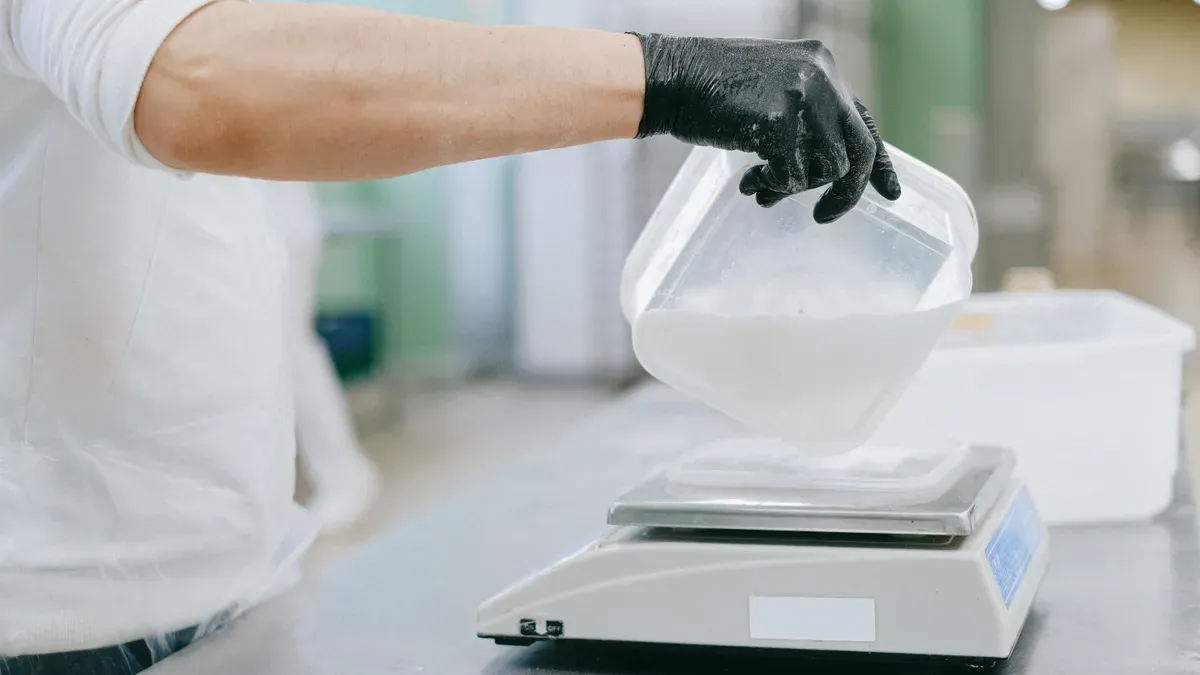
You can get correct measurements in the lab by following easy steps. First, put your weighing balance on a flat and steady table. This stops shaking and helps you get the right number. Turn on the electronic balance and make sure it shows zero. Put an empty container on the weighing pan. Press the tare or zero button to take away the container’s weight. Now, add your material into the container while it is still on the balance. Write down the weight you see on the screen. This way works well for analytical balances and helps you do lab work with care.
Steps for using a weighing balance:
Put the balance on a flat table.
Turn it on and check for zero.
Place an empty container on the pan.
Press tare to remove the container’s weight.
Add your sample to the container.
Write down the number on the display.
Tips for Accurate Weighing
You can make your measurements better by keeping the lab safe from changes. Keep the weighing balance away from wind and heat or cold. Do not put the balance near doors or windows. Try to keep the air dry. Always do calibration before you measure important things. Use analytical balances when you need very careful weighing. Clean the pan before you use it each time. Wait for the numbers to stop moving before you write them down.
Tip: Calibrating often helps you keep your measurements correct in the lab.
Factors that affect precision:
Changes in temperature
Wet air
Wind or drafts
Shaking or moving
Common Mistakes to Avoid
You can get wrong results if you skip calibration or put the balance on a wobbly table. Do not touch the pan when you are weighing something. Do not weigh things where there is a lot of wind. If you forget to use the tare button, your reading will be wrong. Using analytical balances without calibration makes them less exact. Always look at the display before you take your sample off.
Note: Setting up the balance right and calibrating it helps you avoid mistakes and get good results in the lab.
Maintenance and Troubleshooting
Cleaning and Care
You need to clean your electronic balance often. Use a soft cloth to wipe the weighing pan and nearby areas. Do not use strong chemicals or rough things. Keep your balance in a dry, clean place. Avoid sunlight, heat, and moisture. Store it safely when you are not using it. If you move the balance, use a case to protect it. In labs, dust and spills can change your results. Always check for dirt before you start. Clean the balance after each use so it does not get dirty.
Tip: Cleaning your balance often helps you get correct results and keeps your balance working well in the lab.
Calibration Procedures
You must calibrate your balance to get correct numbers. Always follow the instructions from the maker for calibration. Before you start, get certified weights and cleaning tools ready. Put the balance on a flat, steady table away from wind and shaking. Level the balance with the bubble tool. Let the balance and weights sit for 30 minutes to match the room’s temperature. Clean the pan and check for any damage.
Use only certified weights that meet standards.
Go into calibration mode as the manual says.
Zero the balance with nothing on the pan.
Put the calibration weight in the middle of the pan.
Do this with other weights if needed.
Write down your results and check for repeatability, linearity, and eccentricity.
Calibration Procedure | Description |
|---|---|
Repeatability | Test the balance with the same weight many times to see if the results stay the same. |
Linearity | Use different weights to check if the balance is correct for all weights. |
Eccentricity | Put weights in different spots on the pan to check for mistakes. |
You should keep a record of every calibration you do in the lab.
Troubleshooting Issues
Sometimes your balance may have problems. If you see strange readings, check for wind, shaking, or static. If calibration does not work, make sure your weights are clean and certified. Look for broken parts or damage. If the screen does not work, check the power and cables.
Common Issue | Troubleshooting Solution |
|---|---|
Inconsistent readings | Make sure the area is calm and there is no wind or movement. |
Calibration failure | Use clean, certified weights and try calibration again. |
Mechanical issues | Look for broken or old parts and replace them if needed. |
Display problems | Check the power and cables. |
You keep your lab working well by following these steps for cleaning, calibration, and fixing problems.
You use an electronic weighing balance to measure things exactly. This tool gives quick and steady results. You can trust it for science, work, or home use. Electronic weighing balances help you get the right number each time. You should take care of your balance and follow helpful tips. If you want to know more about advanced balances, read guides from trusted places.
FAQ
How do you calibrate an electronic weighing balance?
First, press the calibration button on your balance. Use certified weights for this step. Always read your balance’s manual for instructions. Calibration makes sure your results are correct. Put the balance on a flat table every time.
What units can you measure with the WANT WT-K balance?
You can measure in grams, kilograms, or ounces. The balance lets you change units quickly. This helps you use it for many jobs.
Why does your balance show different numbers each time?
Wind, shaking, or changes in temperature can change your results. Put your balance in a quiet, steady place. Calibrate often to keep your results right.
How do you clean your electronic weighing balance?
Wipe the weighing pan and case with a soft, dry cloth. Do not use water or strong cleaners. Clean the balance after each use to keep it working well.
Recommended Products

micro analytical balance 200g 51g 0.01mg 0.1mg Double range
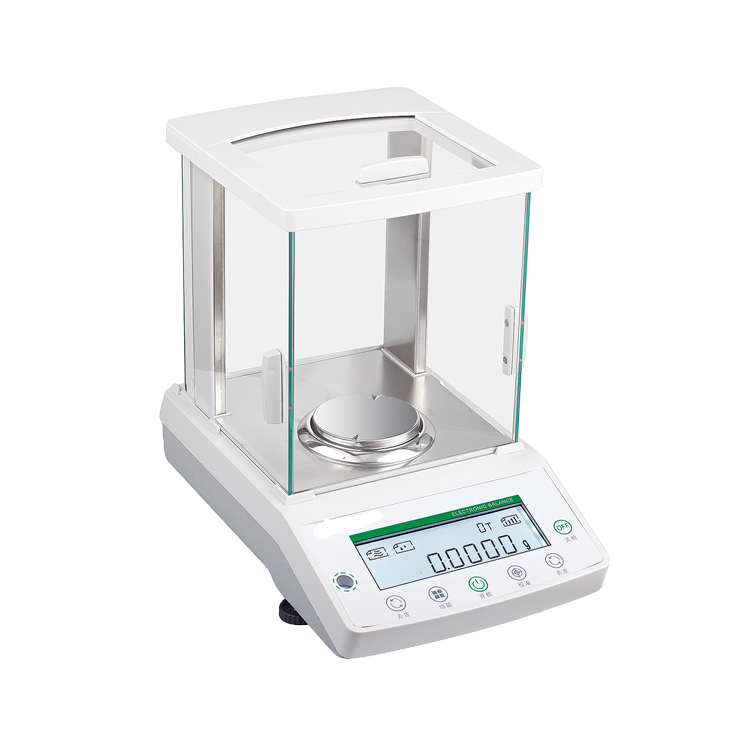
FA1004N 0.0001g 0.1mg 100g digital laboratory balance scale
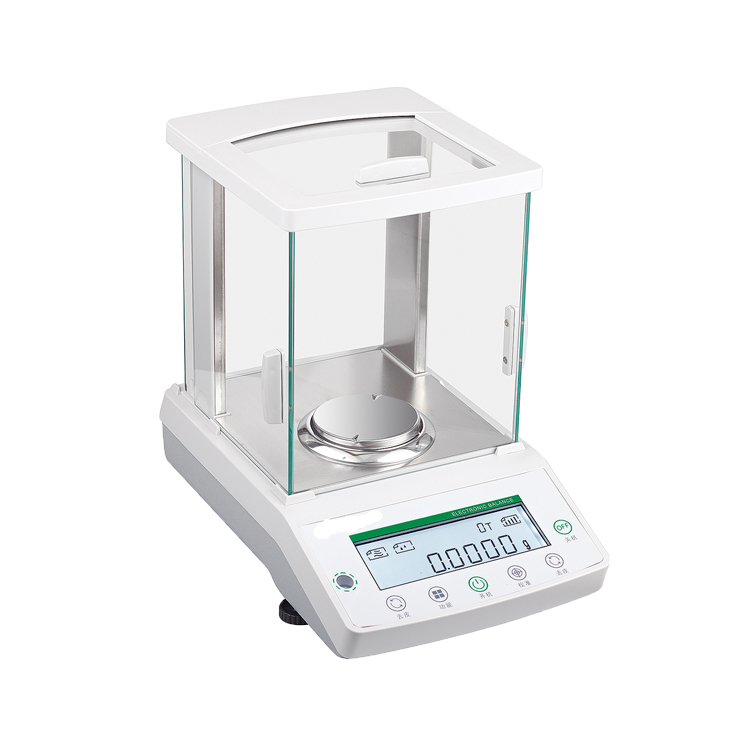
FA3204N 0.0001g 0.1mg 320g Digital laboratory balance scale
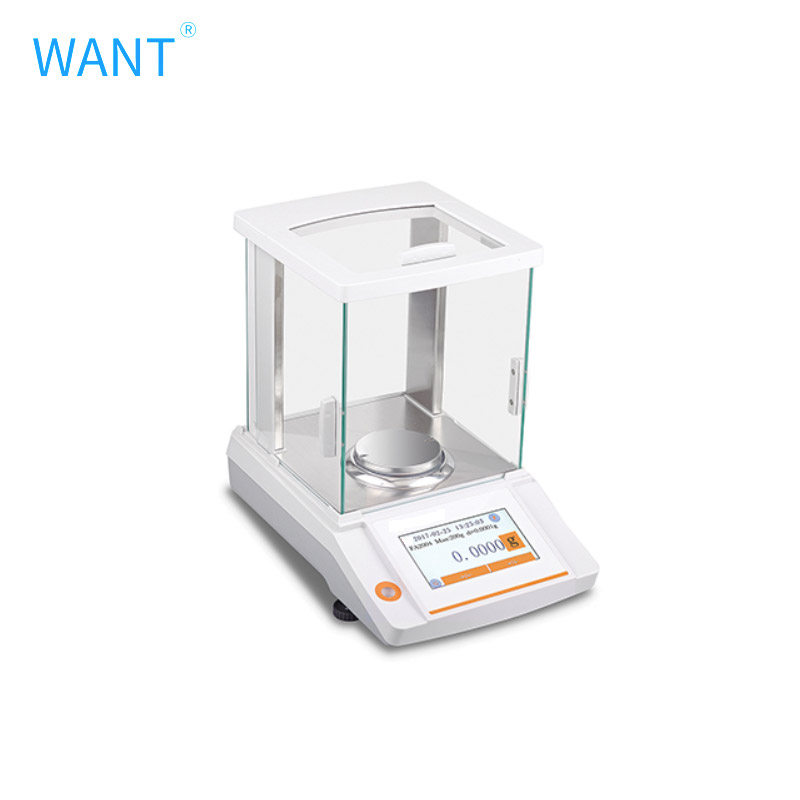
WANT FA 0.1mg Touch screen type
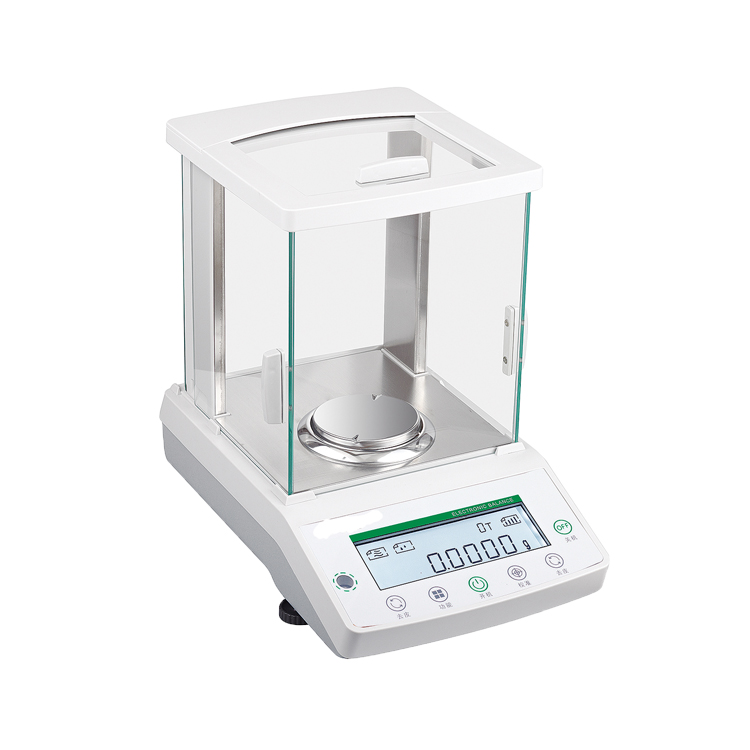
FA1204N 0.0001g 0.1mg 120g Digital laboratory balance scale

FA5204X(N) 520g/0.1mg Electronic Balance

WT60002GF 6000g/0.01g Electronic Balance
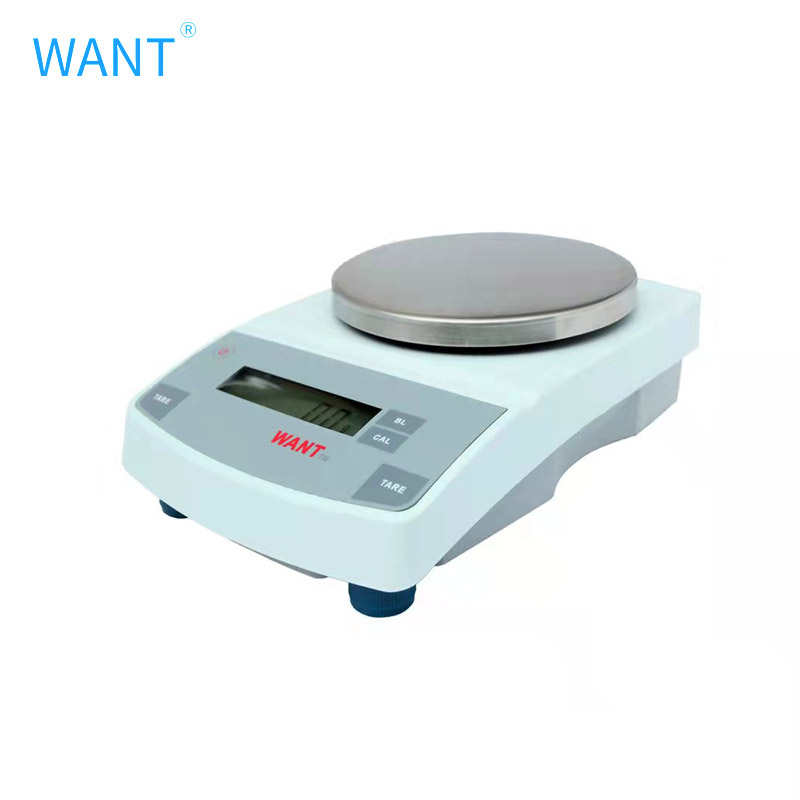
WANT WT-N&NF 0.01g Electronic balance
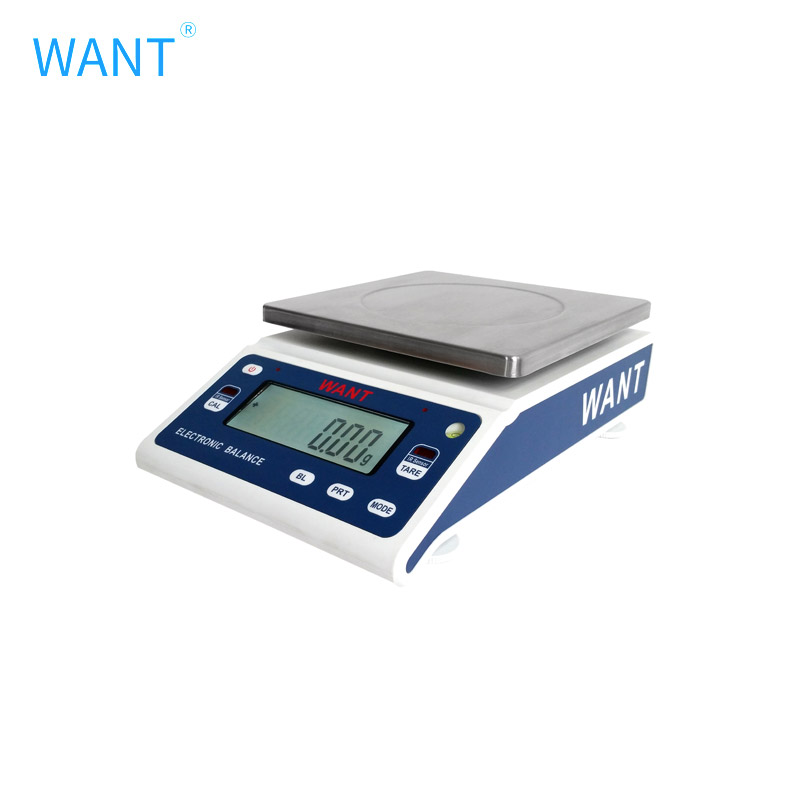
WANT WT-G&GF 0.01g Electronic balance
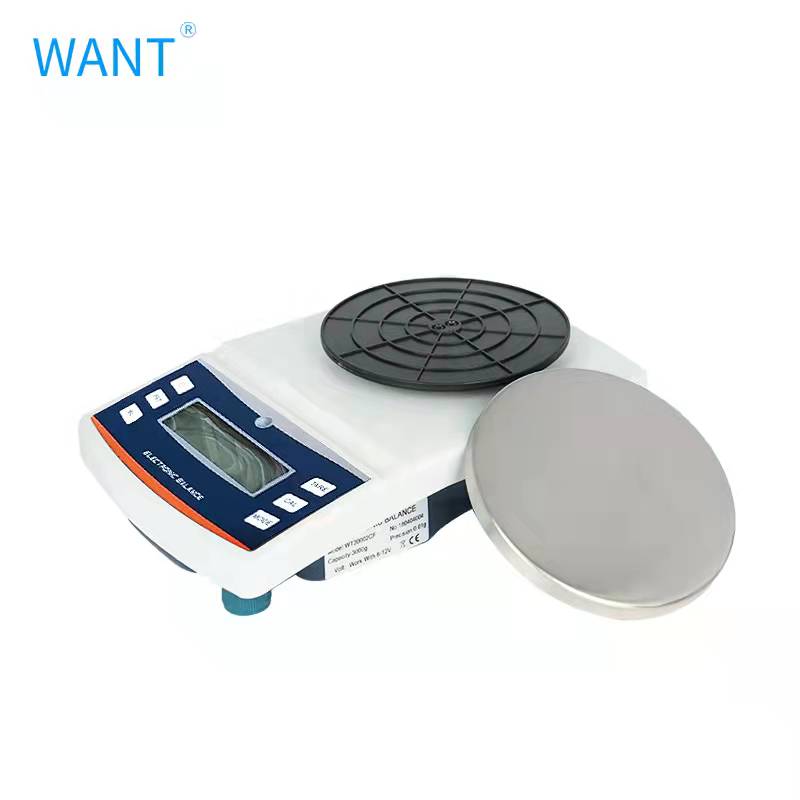
WANT WT-CF 0.01g Electronic balance


Recent News
1.What is an Electronic Scale Used for in Chemistry?
2026-04-102.Electronic Balance Manufacturers You Can Trust for Labs
2026-03-233.How to Choose the Right Electronic Scale Balance for Your Laboratory
2026-03-104.Top 7 Electronic Balance Suppliers for Laboratories in 2026
2026-02-265.What is an Electronic Weighing Balance and How Does It Work
2026-06-016.What is a digital analytical balance and how does it work
2026-05-28